.png) By Syncfinity team
What are the two ways AI OCR can connect to my accounting software?
The answer depends on one thing: whether your accounting system provides API integration. An API is a door the software maker leaves open so other programs can send data in directly. If that door exists, AI OCR can be connected to it. If it does not, there is still a dependable route through your system's own import feature.
- API integration: AI OCR reads the document, a person reviews the data, and it is saved directly into your accounting system.
- Export and import: AI OCR reads the document, a person reviews the data, it is exported to a file, and that file is imported into your accounting system.
How does the API route work day to day?
With an API connection, there is no file to move around. Once a document has been read by AI OCR and checked by a person, the data goes straight into your accounting system.
For a business handling a regular flow of documents, this helps reduce duplicate data entry and repetitive tasks, minimise human error, and improve the efficiency of document processing.
- Your document goes into AI OCR.
- AI OCR reads it and pulls out the details.
- A person reviews the extracted data and corrects anything that needs it.
- The approved data is saved directly into your accounting system through its API.
What if my accounting system has no API?
You can still use AI OCR. The difference is one extra hand-off: instead of the data flowing straight in, it is exported to a file and then imported into your accounting software.
When a system has no API, we look at the import sample format it accepts. The export is set up to match that format, so your team can bring the data in with speed and efficiency rather than retyping it line by line.
- Your document goes into AI OCR.
- AI OCR reads it and pulls out the details.
- A person reviews the extracted data.
- The reviewed data is exported in a format your accounting system accepts.
- You import the file into your accounting system.
Why is there a human review step in AI OCR?
AI is not always 100% accurate, so it is good practice to review its work. With AI OCR, a person checks the extracted data before it is posted to your accounting system. This helps catch errors before they reach your accounts and is a safer way to use AI in the process.
How do we work out which route fits your system?
When a customer asks us this, the first thing we do is check their accounting system's API integration documentation. If that documentation exists, we follow it and connect AI OCR to the system.
If there is no API, we check the system's import sample format instead. That way the customer can still use AI OCR and get the data into their accounting system quickly.
- Confirm which accounting software you use.
- Check its API integration documentation.
- If an API is available, follow the documentation and connect AI OCR directly.
- If not, check the import sample format and match the export to it.
Which accounting systems has Syncfinity integrated with?
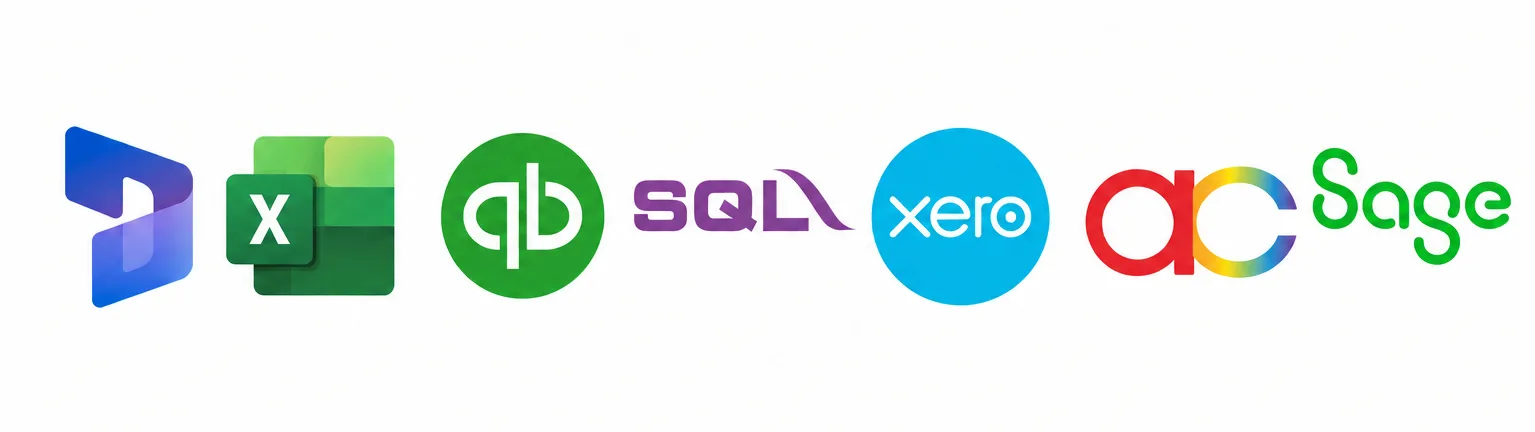
We have plenty of hands-on experience integrating with accounting and finance software, including the systems below.
You can see examples of our AI OCR work in our portfolio at https://syncfinity.com.my/ai-portfolio.html. If your system is not listed, the same check applies: API documentation first, then the import format.
- Xero
- QuickBooks
- Sage
- Microsoft Dynamics 365 Finance
- AutoCount
- SQL Accounting Software
What should I have ready before asking about integration?
You do not need to know the technical side. A few basics help us give you a straight answer about which route applies to you.
For questions about setup, accuracy and security, our AI OCR FAQ page at https://syncfinity.com.my/faq.html covers the short answers.
- The name of your accounting software, and the version if you know it.
- Whether it runs in the cloud or is installed on your own computers.
- A sample import template from your accounting system, if you already use its import feature.
- The kinds of documents you want AI OCR to read.